
Your major and degree
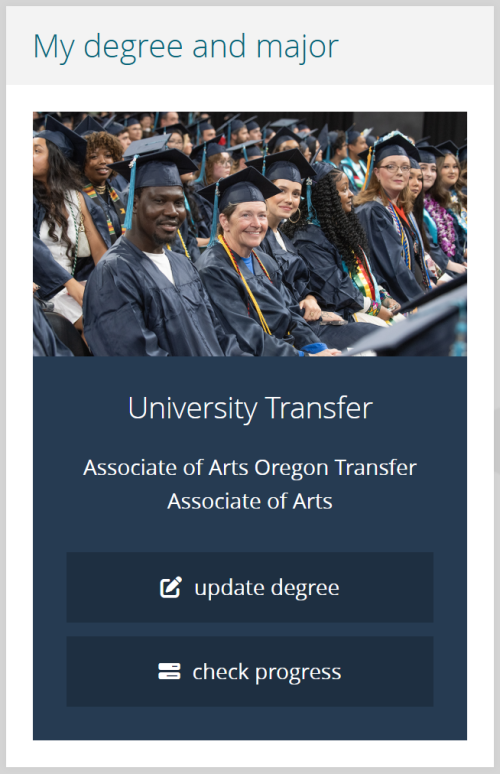
Your major shows on the MyPCC Home tab. If you see the update degree link, it means you can currently change your information.
Your major is your program of study, and your degree is the specific award that you’re working towards. See your major and degree on the MyPCC Home tab.
How to change your major and degree
You may want to change your major because you have a new career goal or you want a program that’s eligible for financial aid. Here’s how:
-
Wait for window to open
You can change your degree when you see the pen to square update degree link in MyPCC. The window to change your degree opens about two weeks before registration begins (see when to register). It closes when you register for classes.
-
Choose your new degree
When your window opens, a link will appear in the MyPCC My Major channel.
- Be careful: if your degree is correct, don’t re-select it. This would assign you to a new catalog year and change your degree requirements. Click No Change to verify degree.
- Some degrees, like nursing, are closed programs. To change your major to a closed program, you must apply with the academic program.
-
Check your progress
To see how close you are to graduating, click check progress. GRAD Plan shows what classes you still need to take. (If your degree isn’t showing yet, click What If and choose your new degree.)
Need help choosing?
PCC offers hundreds of degrees and certificates – it can be tough choosing the right one for you. Get help choosing a degree to match your goals at a Career Resource Center, or visit the Academic Track to learn the basics of choosing a degree. If you are planning on transferring to a four-year school, see the University Transfer site.