
Maker Basics: Intro to 3D Printing Workshop
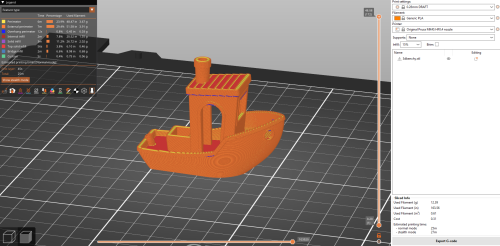
Prusaslicer featuring a Benchy model
With the Intro to 3D Printing Workshop, we seek to introduce makers (that’s you!) to the process of preparing a 3D model for printing using one of our Prusa 3D printers. The workshop is often scheduled during the first weeks of any term, but is also available on demand through the year during open lab hours as long as a STEAM Center employee is available.
Location
The Cascade Create Space STEAM Center in Terrell Hall 101 on the Cascade Campus.
What to expect
We like to engage in an informal interview to assess your level of interest and available time for the workshop. Some makers just want a demonstration to see how 3D printing works. Others are interested in pursuing a particular project and may already know what they want to print. Some are fascinated by every aspect and want to engage in a deep dive on the process, materials, and equipment.
We introduce the concept of Fused Deposition Modeling printing, provide information relating to available filament materials such as PLA and PETG, and then introduce you to the slicing software, Prusaslicer, to prepare the 3D model for printing. Once the model is prepared, we move to the 3D printer itself, load the filament, upload the sliced file, and print.
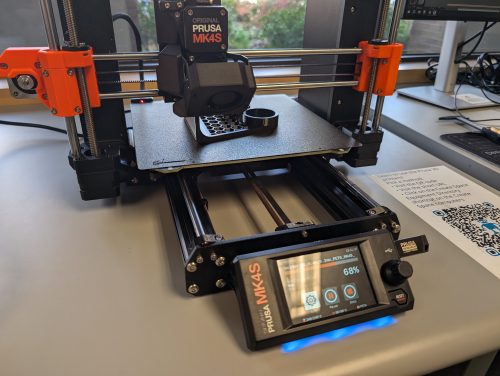
A Prusa MK4S 3D Printer
Equipment, Materials, and Resources
The workshop will utilize Prusaslicer, which is a free piece of software used to prepare 3D models for 3D printing. 3D prints will be printed on either the Prusa MK3S+ or Prusa MK4S 3D printers in the Create Space STEAM Center, depending on availability. We’ll use PLA or PETG filament, which is the material that 3D printers use to build a 3D model in physical space. We may use websites such as Printables.com or Thingiverse.com to find printable models, or we may utilize Tinkercad.com, Blender, or Autodesk Fusion to create our own 3D models.
All equipment, materials, and software/websites used in this workshop are available for free in the Create Space STEAM Center. Participants are not required to bring anything other than their interest and curiosity.
Estimated time
The workshop usually takes between 30 and 45 minutes, but possibly longer if there is a large group of makers, lots of questions, or customization desired. Printed models may take longer to print than the workshop itself.
Optional pre-activity
Interested makers can browse websites for 3D models they might be interested in printing, such as Printables.com and Thingiverse.com, before coming in for the workshop. There are some limitations to consider about what can be printed. Large models with print times that exceed the available open lab hours might not be printed, though modifications can often be made to shorten print time. We also do not print weapons or weapon parts or life-size replicas of weapons.
Advanced steps
After you learn to 3D print an existing model, we encourage makers to learn how to modify or create your own 3D models. We can provide an introduction to free 3D modeling software such as Blender or Tinkercad.com, as well as CADD software such as Autodesk Fusion. The Multimedia program at PCC offers 3D modeling classes using Blender and the CADD program at PCC offers parametric modeling classes in Autodesk Fusion for makers interested in more advanced study.
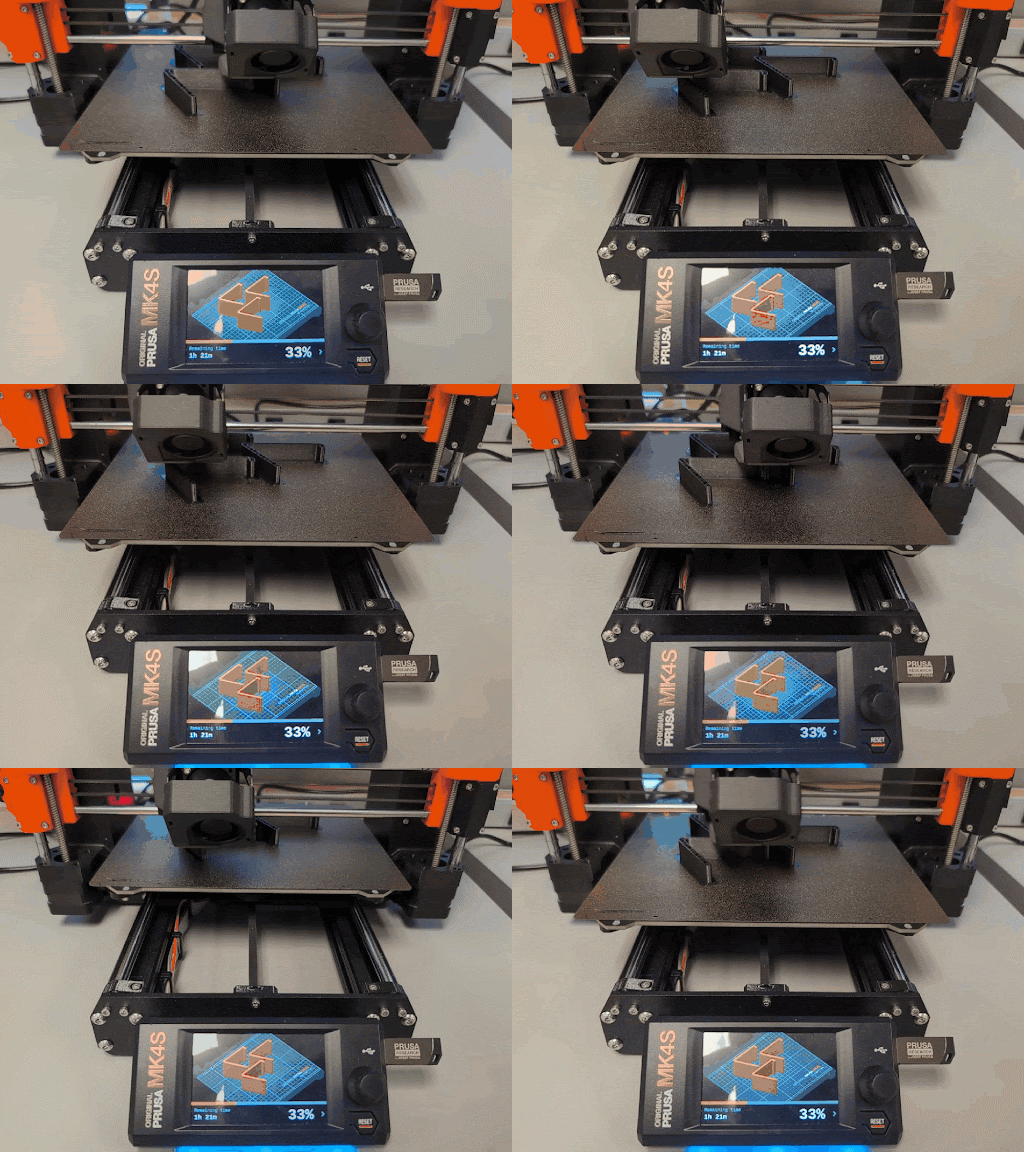
A Prusa MK4S printing phone stands