
Feeds
You can display feeds from PCC news or an individual site’s blog on any pcc.edu page. The feeds include headlines and dates, and optional descriptions or thumbnails.
Jump to a component:
List feed
List feeds are the basic feed type. They only include a list of linked story titles and a link to view more. The full story titles are used.
Styling
The layout is the same as an unordered list.
How to use for List feed
Use the pcc-posts shortcode with no type (they use the ul type, which is the default). Don’t add the “view more” link, it’s added automatically.
Development info for List feed
Stylesheet location:
/_source/styles/components/_feeds.scss
You need to add the “view more” link if using the HTML version.
<div class="pcc-posts aligncenter size-percent-100">
  <ul>
    <li><a href="">Title</a></li>
    ...
    <li><a href="">View more ...</a></li>
  </ul>
</div>
Example of List feed
Thumbnail and excerpt feed
Feeds with thumbnails and excerpts provide more visual interest and detail than list feeds. The short story titles are used (if set).
Styling
The layout is the same as a features gallery. These feeds include a small left-aligned thumbnail of each story’s featured image alongside its (linked) title, post date, and excerpt. There’s also a “view more” link.
Responsive behavior for Thumbnail and excerpt feed
See features gallery.
How to use for Thumbnail and excerpt feed
Use the pcc-posts shortcode with the dl type. Don’t add the “view more” link, it’s added automatically. If you want, set a short story title in the editor sidebar under PCC Page Attributes > Stort title.
Development info for Thumbnail and excerpt feed
Stylesheet location:
/_source/styles/components/_feeds.scss
You need to add the “view more” link if using the HTML version.
<div class="pcc-posts aligncenter size-percent-100">
  <dl class="gallery">
    <dt class="item-title"><a href=""><img src="" alt="" />Title</a></dt>
    <dd class="item-date">Date</dd>
    <dd class="item-description">Excerpt</dd>
    ...
    <dt><a href="">View more ...</a></dt>
  </dl>
</div>
Example of Thumbnail and excerpt feed
 PCC Reaches Historic Designation For Latine Students
- October 5, 2026
- As college hits the 25% enrollment mark of students identifying as Latine, PCC is busy expanding culturally responsive support
 'Hello, First Year Experience!'
- September 24, 2026
- PCC's innovative First Year Experience initiative makes it on local television as a model for supporting new college students
 Nationally Acclaimed Future Connect Turns 15
- September 17, 2026
- In the past 15 years, Future Connect has served nearly 5,000 first-generation and low-income students, inspiring broader student-success efforts
- View more ...
Featured feed
Featured feeds are similar to thumbnail and excerpt feeds, but the images are larger and more eye-catching, and they don’t include the excerpt. The short story titles are used (if set).
Styling
The stories display in three columns, with the image at the top of each column followed by the (linked) title and post date. There’s also a “view more” link.
Responsive behavior for Featured feed
There feed switches to use two columns on medium screens and one column on small screens. The images are always the full width of their column.
How to use for Featured feed
Use the pcc-posts shortcode with the featured type. Don’t add the “view more” link, it’s added automatically. If you want, set a short story title in the editor sidebar under PCC Page Attributes > Stort title.
Development info for Featured feed
Stylesheet location:
/_source/styles/components/_feeds.scss
You need to add the “view more” link if using the HTML version.
<div class="pcc-posts grid-x featured-posts">
  <div class="small-12 medium-x large-x cell">
    <a href="">
      <div class="img-crop" style="background-image:url('url_of_image')"></div>
      <h5>Excerpt</h5>
      <p>Date</p>
    </a>
  </div>
  ...
</div>
<p><a href="">View more ...</a></p>
Example of Featured feed
Slideshow feed
Slideshow feeds should be used sparingly (most people don’t tend to view more than the first slide) but are available if needed. The short story titles are used (if set).
Styling
The layout is the same as a slideshow, with the titles and excerpts as captions and a “learn more” link to view the story.
Responsive behavior for Slideshow feed
See slideshows.
How to use for Slideshow feed
Use the pcc-posts shortcode with the slideshow type. If you want, set a short story title in the editor sidebar under PCC Page Attributes > Stort title.
Development info for Slideshow feed
Stylesheet location:
/_source/styles/components/_feeds.scss
/_source/styles/components/_slideshows.scss
<div class="slideshow aligncenter size-percent-100">
  <div>
    <img src="" alt="" />
    <div class="info">
      <strong>Title</strong>
      <p>Excerpt</p>
      <p><a href="">Learn more<span class="visually-hide"> about "title"</span>...</a></p>
    </div>
  </div>
  ...
</div>
Example of Slideshow feed
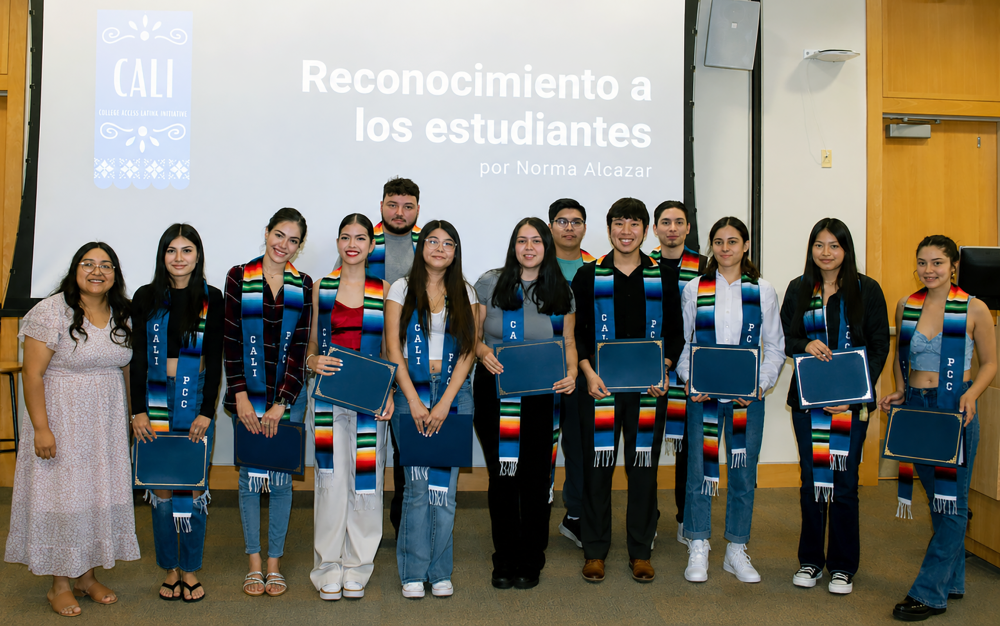
As college hits the 25% enrollment mark of students identifying as Latine, PCC is busy expanding culturally responsive support
Learn more about PCC Reaches Historic Designation For Latine Students...

PCC's innovative First Year Experience initiative makes it on local television as a model for supporting new college students
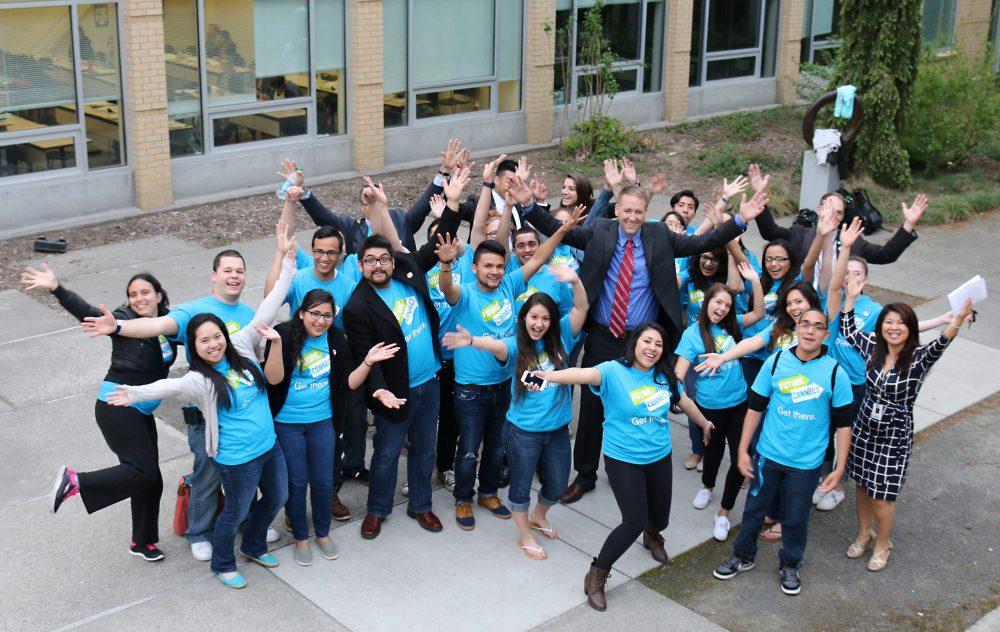
In the past 15 years, Future Connect has served nearly 5,000 first-generation and low-income students, inspiring broader student-success efforts
Learn more about Nationally Acclaimed Future Connect Turns 15...