
Energy
Poppe Panther reminds us that you have the power to save energy with the Power Shift Initiative.

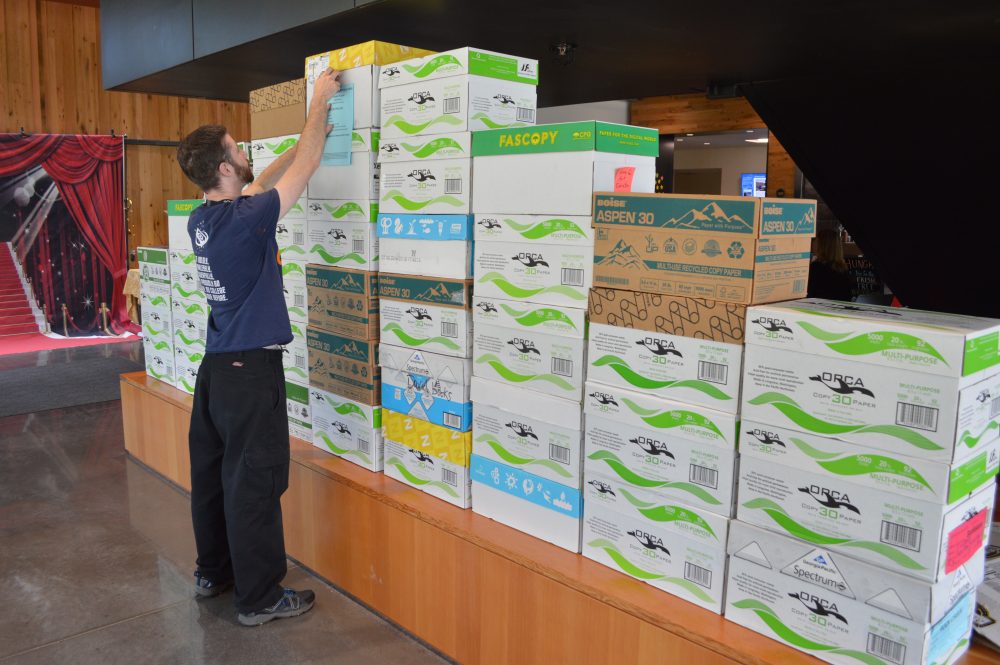
Zachariah Strife, Strategic Energy Management Associate, illustrates how much paper is wasted each year at Rock Creek.
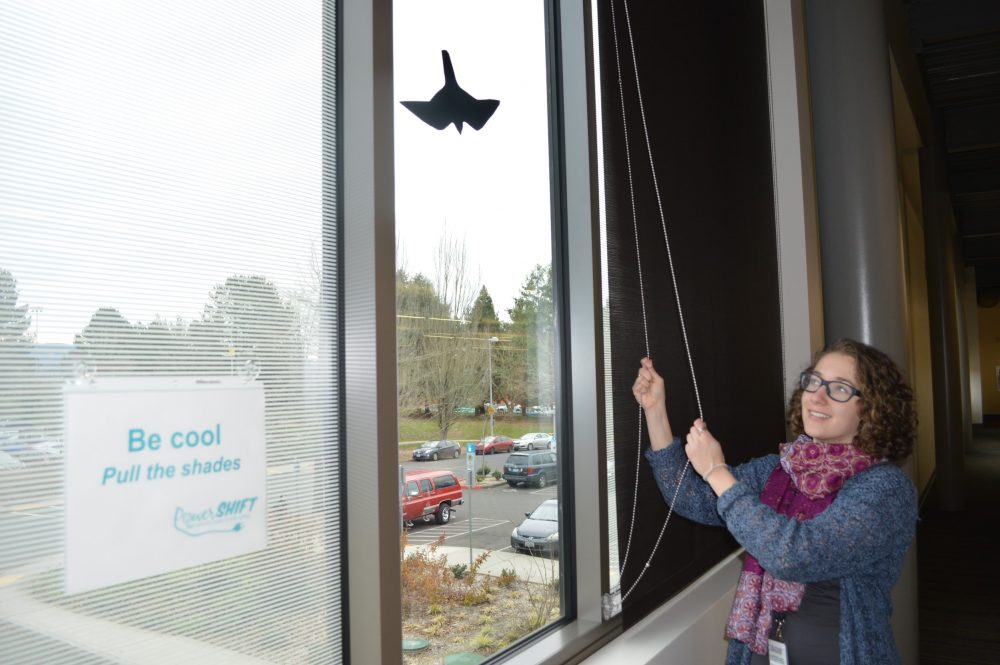
Anna Brown, Strategic Energy Management Associate, reminds employees to pull the shades for passive heating and cooling to regulate temperatures.
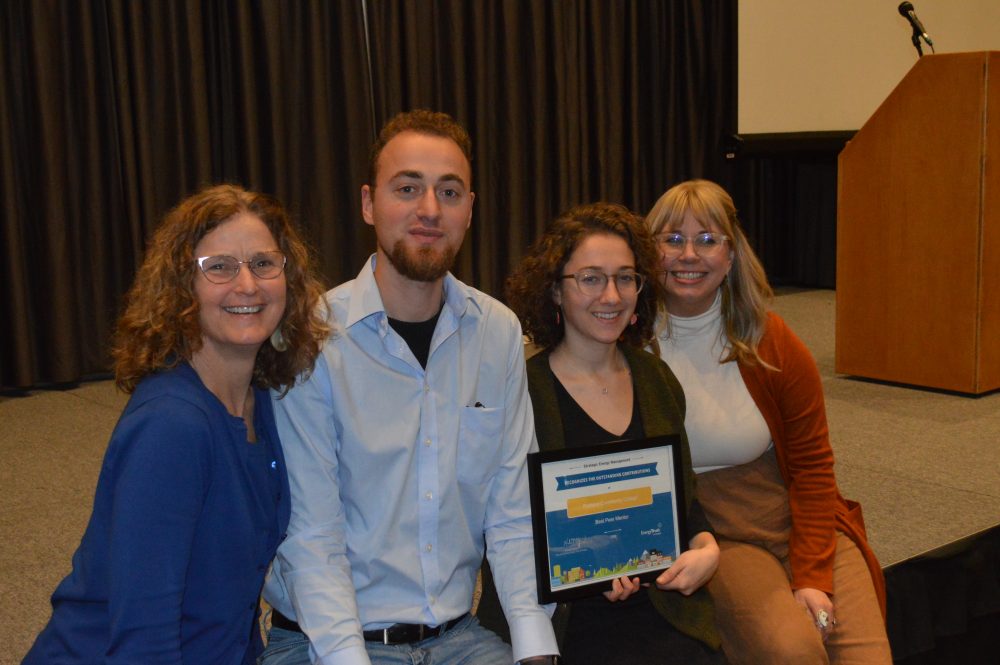
Sustainability Team members celebrate an award from the Energy Trust of Oregon.
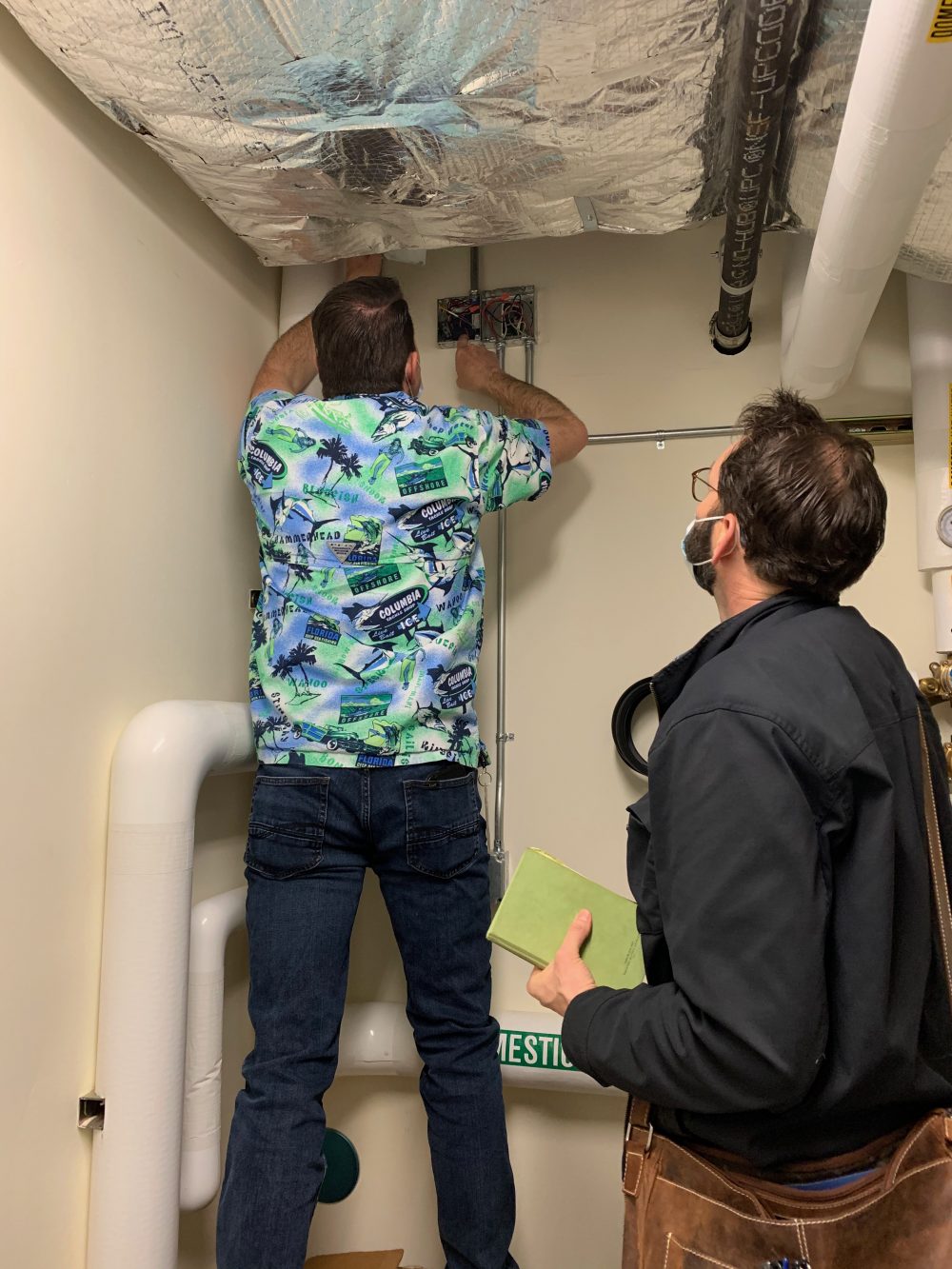
Larry Osborn, FMS Manager, and Dusty Farrell, Energy Trust of Oregon staff, check a domestic hot water relay in the SE Learning Commons Library.
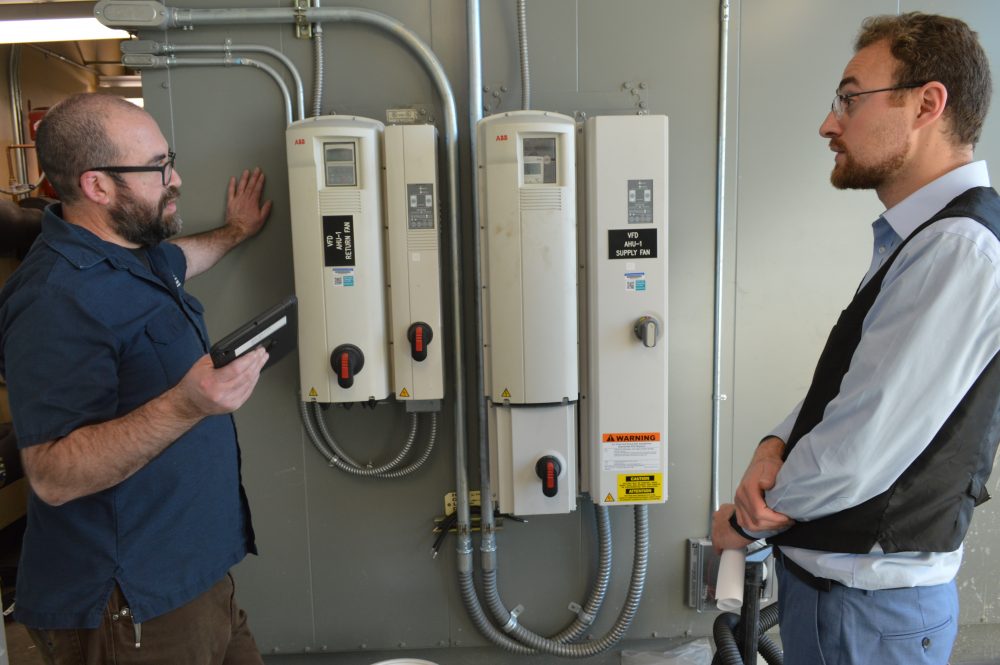
Jimmy Hood, FMS Specialist, and Farid Kayali, Strategic Energy Management Associate, take an energy operations tour at Rock Creek campus.
Energy Management Mission Statement
The purpose of our strategic energy management initiative is to utilize energy efficiently throughout our facilities and daily operations to reduce adverse impacts on the environment, promote fiscal responsibility through reduced operating costs, and provide educational opportunities by exemplifying best practices.
Solar Array at the Rock Creek Campus
The 2012, 35,000-square-foot solar farm provides roughly 60 percent of the energy needs of Building 9, a 72,000-square-foot facility. See the active consumption and output data from the array.
Frequently Asked Questions
What is the energy background at PCC?
We go way back.
Portland Community College (PCC) has been committed to strategic energy management for all college operations, guided by the Sustainable Use of Resources Policy B-707, which was adopted by the College Board on December 7, 2006.
Portland Community College is committed to becoming a leader in academic programs and operational practices that model the sustainable use of resources, so that the needs of current generations are met without impairing the ability of future generations to meet their own needs.
Additionally, this energy management commitment is aligned with the college’s values including Sustainability and Stewardship, as well as PCC’s Strategic Plan, Theme 6: Achieve sustainable excellence in all operations.
What types of projects has PCC initiated to promote overall efficient energy management?
Three big ideas.
As a signatory of the American Colleges and Universities President’s Climate Commitment (ACUPCC), PCC committed to three tangible actions relevant to energy:
- Establish a policy that all new campus construction will be built to at least LEED Silver standard or equivalent.
- Adopt an energy-efficient purchasing policy requiring the purchase of ENERGY STAR certified products in all areas for which such ratings exist.
- Purchase or produce at least 15% of the institution’s electricity consumption from renewable resources.
How does PCC support sustainable buildings and construction?
Silver facilities.
All construction through our Bond program is committed to achieving LEED Silver for new facilities and all applicable new equipment is Energy-Star certified. Major energy-related accomplishments through Bond work include:
- Completion of the first LEED Platinum building was in the Newberg Center, designed to be net zero.
- Three solar array installations: a 500 kW system at the Rock Creek campus, a 109 kW system at Willow Creek Opportunity Center, and a 125 kW system at Newberg Center.
- Many energy-efficient upgrades to HVAC, electrical, and energy-consuming systems.
What are the Energy Management Guiding Principles?
What we strive for.
Active management of energy-related costs and associated risks will provide a significant economic return to the organization and support key aspects of the organization’s overall mission and sustainability commitments. To achieve these benefits we are committed to the following principles:
- Adopt a strategic approach to energy management that is integrated into everyday decision-making with practices focused on mechanical, operational, and occupational best practices.
- Establish specific energy reduction goals or targets, measure progress, identify areas for improvement, and apply best practices- including procurement and new technology.
- Promote inclusive processes to ensure occupant awareness, involvement, and accountability.
- Secure executive leadership and engagement to ensure success.
- Invest in energy management practices that yield a solid return on investment and reduce the school’s environmental footprint.
- Leverage available resources, financial and other, to assist in achieving energy management goals, such as reinvestment of energy savings towards energy projects.
- Provide unique learning opportunities through applied energy management.
- Monitor, track and report on progress based on specific performance indicators; communicate results and apply lessons learned.
These principles were developed with consideration of the college’s Mission and Strategic Plan, its Climate Action Plan and ACUPCC commitments, and the Rock Creek Bond Guiding Principles.
What are the Energy Use Performance Metrics?
Energy consumption and greenhouse gas emissions will be tracked using the following metrics:
- Energy consumption will be tracked via monthly utility bills at the campus level and at the building level when possible.
- Electricity consumption will be measured in kilowatt-hours (kWh) and natural gas will be measured in therms. When looking at total energy consumption (electricity and natural gas), million metric British thermal units (MMBtu) will be used.
- Greenhouse gas emissions associated with energy use will be measured in metric tons of carbon dioxide equivalent (MT CO2e) using Good Company’s G3C Carbon Calculator.
These will be tracked and monitored by the Energy Manager, Sustainability Manager, and Sustainability Analyst.
Explain the Mechanical Systems
The main points.
- Create better community spaces with Energy Star appliances.
- Replace mechanical systems that are aging beyond useful life with new energy-efficient systems.
- Tune up/recondition control systems for optimal operational efficiency.
- Reduce energy use with lighting fixture upgrades and occupancy motion sensor control.
- New buildings designed and built to achieve LEED silver or above.
Explain the Operations and Maintenance
The big targets.
- Improve energy savings by coordinating air handling unit run times with efficient room scheduling.
- Assure that all preventative maintenance is done on mechanical equipment so that optimal performance can be maintained.
- Target temperature ranges for normal systems within ASHRAE 55 Thermal Environmental Conditions for Human Occupancy standards of 66 to 72 degrees Fahrenheit in winter and 74 to 78 degrees Fahrenheit in summer.
- Adjust temperature ranges when possible, recognizing that approximately 135,000 kWh and 31,500 therms are saved per degree reduction per year.
Explain the Occupant Engagement
We grow together.
- Promote energy conservation through prompts, signage, emails, etc.
- Hold annual energy conservation competitions.
- Complete periodic energy use audits.
- Provide incentives for occupants displaying energy-saving behaviors.
- Share energy use data with occupants.
- Encourage reduction of personal appliances & increase use of community office equipment.
- Develop occupant energy expectations for each building, floor, department, and office.
- Educate occupants on temperature standards, green building features, and other relevant energy settings.
For further questions, contact the Sustainability Coordinator.
Established on 9/30/2015
Sandra Fowler-Hill, Rock Creek Campus President