
Create an EPAF – Step 1
Quick sheets:
- Creating a Casual EPAF
- Creating a Student EPAF (non Work Study)
- for other EPAF types, go to the EPAF Main Page
If you have an employee who is new to PCC, returning after a significant absence, or if you are unsure whether the employee is in the PCC system as an active employee, follow these steps to see if you first need to Create a “New Employee” EPAF.
Access the EPAF form on MyPCC
- Log into MyPCC.
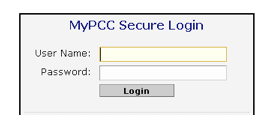
- Go to the
 Tab.
Tab. - Go to the Banweb channel and click on Banweb Main Menu.
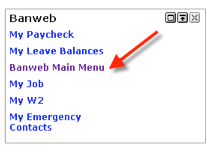
- Click on the
 Tab.
Tab. - Click on Electronic Personnel Action Forms:
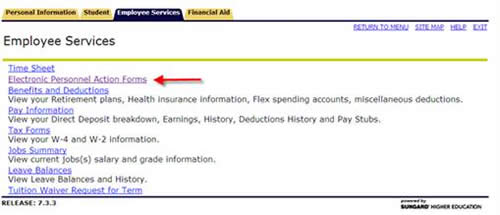
- Click on New EPAF to start the processes of creating a new EPAF.